

Understanding your water meter
Learn how to read your smart meter, older style meters, and check for leaks.
How to read a smart water meter
- Open the lid.
- To turn on the screen, put your finger over the light sensor located on the bottom right-hand side of the meter. If it’s dark outside, you may need to shine a torch over the light sensor to turn it on and change screens.
- The first screen shows your total water use since we installed your meter. The reading is in cubic metres (1㎥ = 1,000 litres), which is the same as kilolitres and can assist with checking if the read on your bill is correct. It’s important to keep in mind that the meter reading on your bill may be different to your meter, depending on your billing cycle.
- You can scroll through the different screens to see different usage information such as cubic metres per hour, temperate and pressure. To change screens, put your finger on the light sensor located at the bottom right-hand side of the device for three seconds.
- The second screen shows water use in m3/h. If this screen is showing a number greater than zero, your taps are switched off and you’re not using any water, you may have a leak.
- After about three minutes, the screen will return to the ‘home screen’ showing your total water use.
- You can return to the home screen at any point by closing the lid for three minutes before opening again.

How to read older style meters
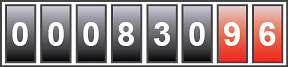
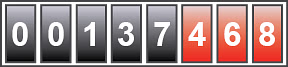
To read your meter, record the numbers from left to right.
Please note: The black numbers register kilolitres (a thousand litres). Only this measurement is used to calculate your water usage.
The red numbers register hundreds of litres, tens of litres, and litres. An example of the meter dials are shown below.
Reading of 830 kilolitres
Reading of 137 kilolitres

Checking for water leaks
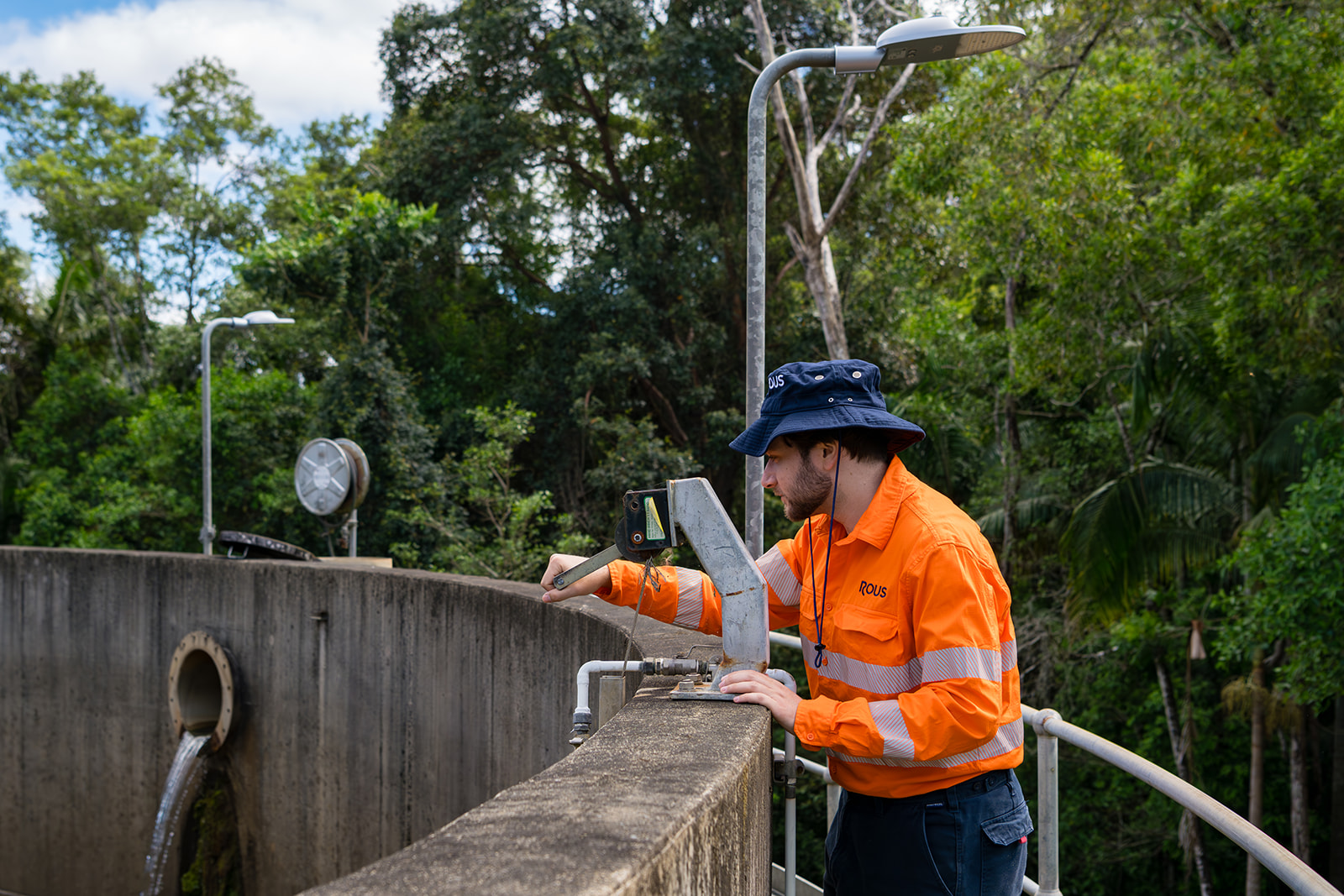
Leaks can occur in household water pipes, fittings and appliances. They are not always visible, so the best way to find them is to read your water meter regularly. If your consumption increases dramatically for no obvious reason, there could be a hidden leak. If you discover or suspect a leak, contact your plumber or contact us for assistance.
How to check for leaks
- Turn off every tap in the house and check the reading of your water meter.
- Do not use any water (including the toilet) for at least one hour or overnight and check the meter before and after.
- If the reading has increased, without using any water in and around the house, you have a leak.
TIP: Check the toilet system by putting a drop of food colouring into the cistern. If the colour appears in the toilet bowl before flushing, you have a leak.

Water meter replacement
If Rous replaces a water meter on your property, you will receive two bills for that quarter – one attributed to each of the meters. This does not mean you’ve been double charged, it’s simply an administrative process.
The first water account issued is for water consumption and facility charges up until the water meter replacement. The second bill is for the water consumption and facility charges on the new water meter for the balance of the quarter.

Keep your meter accessible
IIf our staff cannot access your water meter, you will be notified in writing and your water bill will be estimated based on your water consumption history.
Common reasons we may not be able to read your water meter include:
- It’s behind a locked gate
- It’s unsafe to enter the property (i.e. a dog in the yard)
- It’s buried under concrete or dirt
- It’s obscured by vegetation
